Knowledge base#
Not everything belongs in an issue. Runbooks, onboarding guides, architecture decisions, meeting notes and product specs need a home of their own — and Hinata gives them one. The knowledge base is a built-in, Confluence-style wiki that lives right next to your work, so documentation and delivery never drift apart.
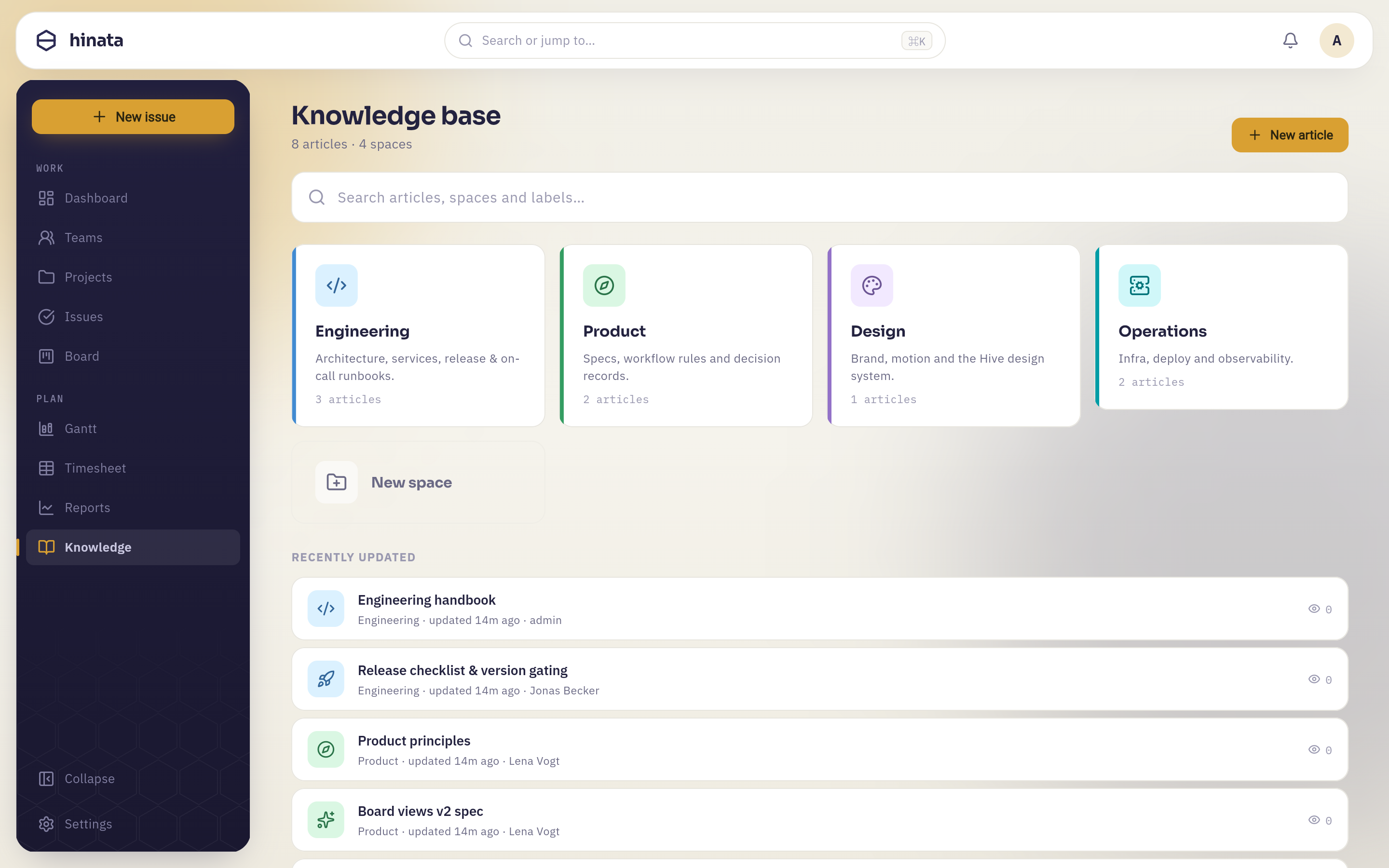 The knowledge base — spaces and hierarchical Markdown articles next to your work.
Articles#
Articles are written in Markdown using the same shared editor and toolbar you know from issue descriptions — headings, lists, code blocks, tables, callouts and images. They nest into a hierarchy, so you can build a real structure: a space, its sections, and the pages within them.
- Global articles — workspace-wide documentation everyone (with access) can read: company handbook, engineering standards, incident playbooks.
- Per-project articles — documentation scoped to a single project, sitting alongside that project's board and issues.
Backed by real data
The knowledge base is a first-class backend feature (/api/v1/articles), not a static bundle. Articles are stored, versioned in your database and served through the API like everything else — so they're searchable, access-controlled and always current.
Smart links#
The knowledge base isn't a walled garden. As you write, smart links resolve live references:
- Mention an issue (
MOB-42) and it becomes a live link that shows the issue's real title and state. - Mention a person and it resolves to their actual profile.
Because the links are live, a runbook that references INF-7 always points at the real, current issue — no stale copies, no broken cross-references.
Access control#
Articles respect the same team and project visibility as the rest of Hinata. A per-project space is visible to the people who can see that project; global spaces follow workspace access. There's nothing extra to configure — the people who should see a page already can.
Link docs and delivery both ways
Reference an article from an issue comment and an issue from an article. That two-way linking is what keeps a knowledge base alive instead of rotting in a forgotten wiki.
Next steps#
- Learn the issue references that smart links resolve.
- Understand projects & teams that scope article access.
- Find anything fast with the command palette.