Reports & dashboard#
Hinata turns the work you're already tracking into insight — no extra data entry. The dashboard is the personal, at-a-glance home screen; reports are the team-level analytics for planning and retrospectives.
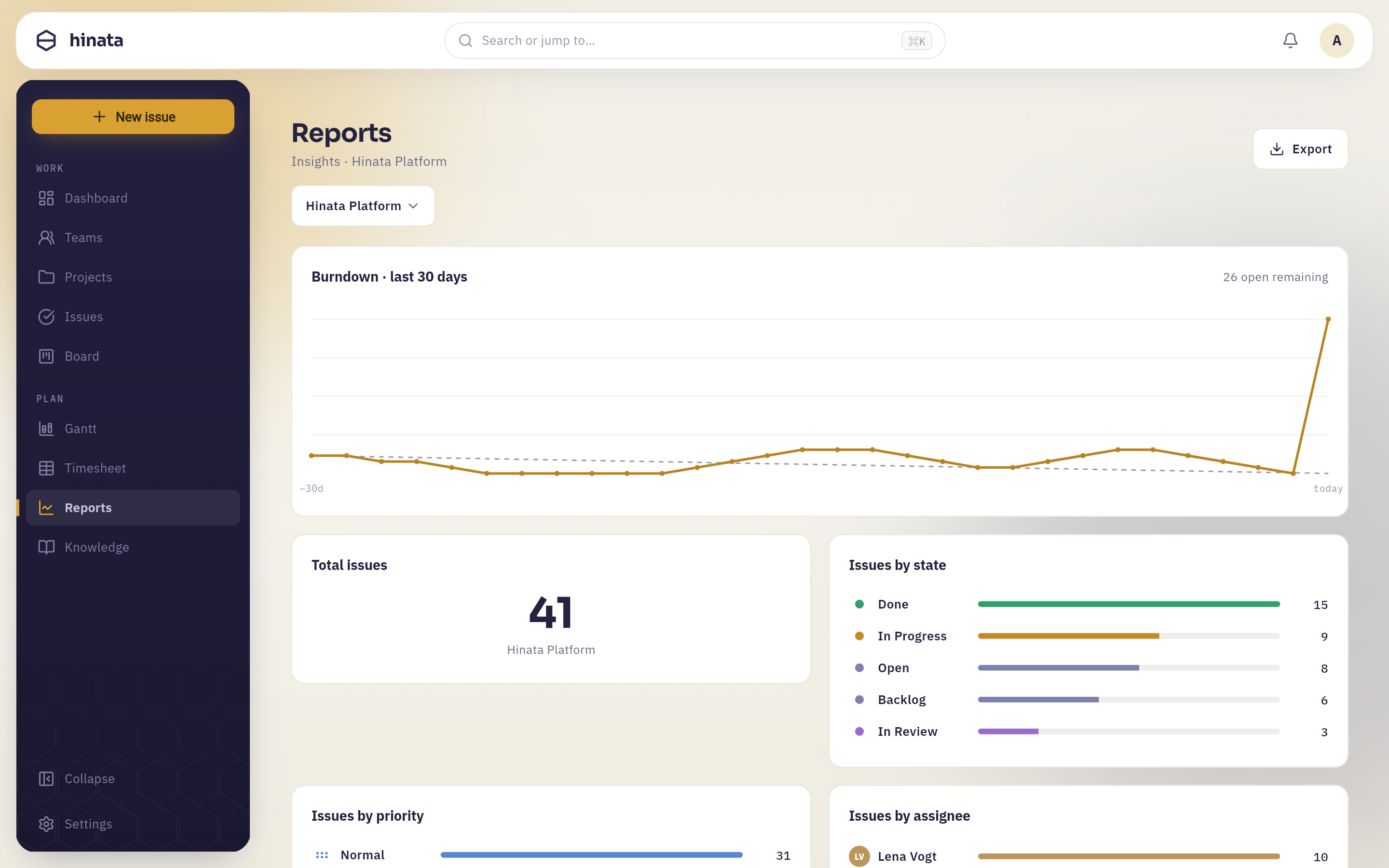 Reports — burndown, distributions by state, priority and assignee, with PDF export.
Dashboard#
The dashboard is the first thing you see after signing in. It's built around today:
- Today's focus — the issues that need your attention now.
- Completion — how much of your current work is done.
- Weekly tracker — your logged activity across the week.
- Team ranking — a light, motivating view of contribution across the team.
It's designed to answer "what should I do next?" in a single glance, on phone or desktop alike.
Reports#
The reports area aggregates issues, sprints and work logs into the charts teams rely on. Each one is interactive and reads the same live data as the rest of the app.
| Report | What it tells you |
|---|---|
| Burndown | Remaining work across the active sprint vs. the ideal line — are you on pace to finish? |
| Velocity | Story points completed per sprint over time — your team's sustainable throughput, and the basis for planning the next sprint. |
| Cycle time | How long issues take from start to done — a lead-time health check. |
| Issues by state | The distribution of work across your workflow — spot bottlenecks (e.g. a pile-up In Review). |
| Issues by priority | Where the urgent work sits. |
| Issues by assignee | Load across the team — who's overcommitted, who has room. |
| Created vs. resolved | Are you closing work faster than it arrives, or falling behind? |
Use velocity to plan capacity
Once you have a few sprints of history, your average velocity is the honest number to plan the next sprint's commitment against — far better than optimism.
Export#
Any report can be exported to PDF for stakeholders, steering meetings or an archive — straight from the app, formatted for print.
Reports respect access
Reports only ever include projects you can see. A member's charts reflect their team's project access; nothing leaks across visibility boundaries.
Next steps#
- Understand the inputs: sprints & story points and time tracking.
- Keep estimates honest so velocity and burndown stay useful.