Projects & teams#
Everything in Hinata lives inside a project, and who can see a project is decided by teams. Together they give you a clean separation between, say, a mobile app, a backend service and an internal-tools initiative — each with its own board, workflow, labels and issue numbering, visible only to the people who should see it.
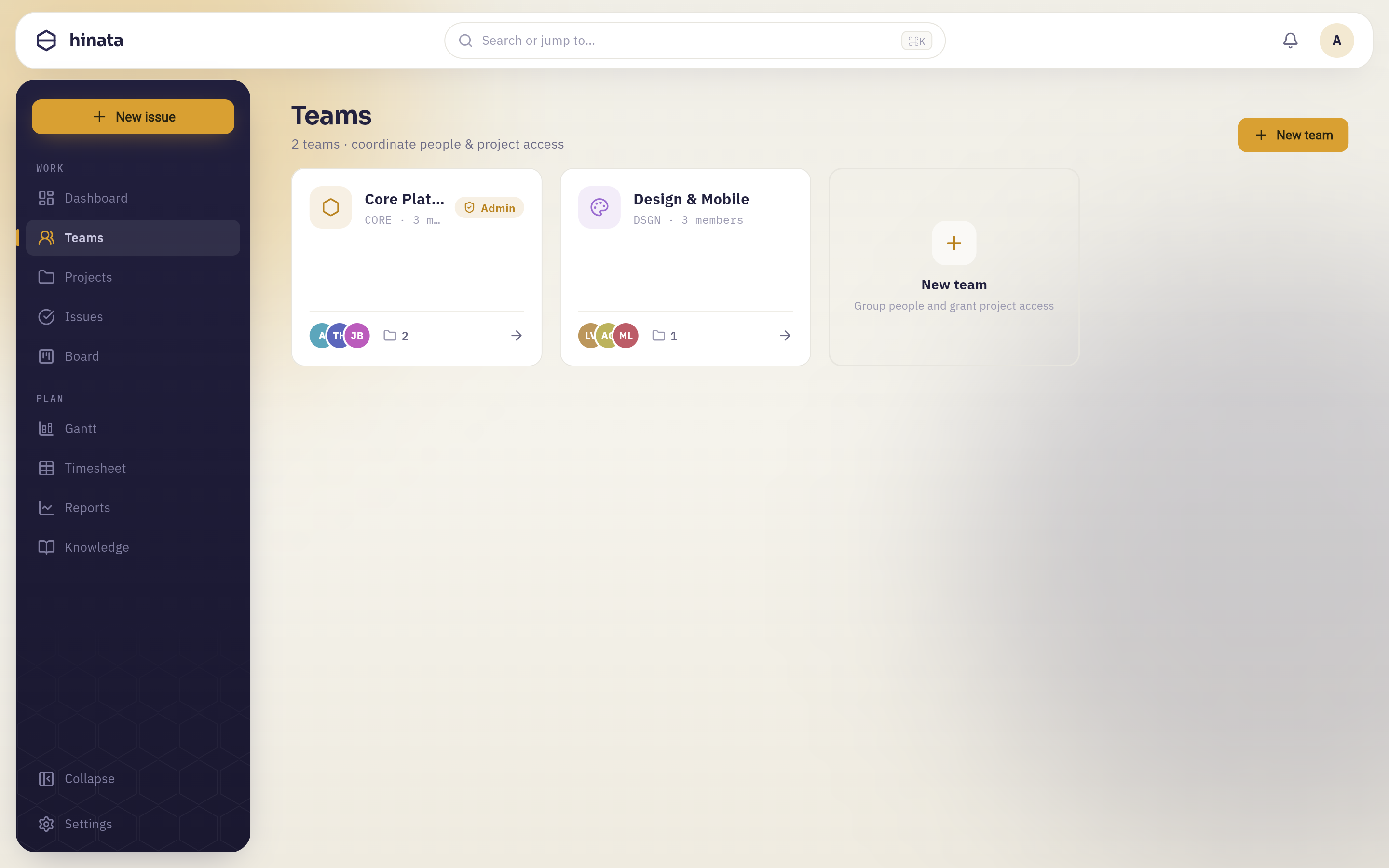 Teams grant per-member project access across the whole workspace.
Projects#
A project is a self-contained workspace for a body of work. Each project owns:
- A project key — a short uppercase prefix such as
HIN,MOBorINF. Every issue in the project is numbered from that key (MOB-42) and the number is never reused, so a key is a stable, paste-anywhere identifier. - Its own workflow states — the columns issues move through (e.g. To Do → In Progress → In Review → Done). States are per-project, so a research project and a delivery project can model work differently. See Project settings.
- Reusable labels — colored tags (
frontend,needs-design) that you define once and reuse across every issue in the project. - Members — the people who work in the project, surfaced in assignee pickers, reports and the board's people filter.
- Git connections — one or more linked repositories (see Git integration).
Pick keys you'll enjoy typing
Keys show up in commit messages, branch names and chat all day (git commit -m "MOB-42 fix crash"). Short, memorable keys pay off.
Creating a project#
Open Projects → New project, give it a name and a key, and you're ready. You can adjust the workflow states, labels and members at any time from the project's settings without disrupting existing issues — renames cascade safely across the project.
Teams#
A team is a group of people with access to a defined set of projects. Teams are the backbone of visibility in Hinata: a member only ever sees the projects their team grants them. Someone on the Mobile team sees the MOB project; they won't see INF unless a team also grants it.
This access check runs workspace-wide — it gates the board, the issue lists, search results, reports and even notifications. There's no separate "share" step to forget; membership is the permission.
How access is enforced
Project visibility is evaluated on the server for every request (an assertion that the caller is a member of the project). The app simply never shows what the server won't return, so access can't be bypassed by poking at the client.
Roles#
- Members do the everyday work: create and edit issues, comment, log time, move cards.
- Admins additionally reach the Admin area — users, SSO, e-mail-to-ticket, Git OAuth apps and app-wide settings. Admin is a workspace role (
ADMIN), enforced on every/api/v1/admin/**endpoint.
Managing members#
Add or remove people from a team, or from an individual project, in the team/project settings. Changes take effect immediately — a removed member loses visibility on their next request.
How projects and teams fit together#
Team "Mobile"  ──grants──▶  Project MOB  ──contains──▶  issues MOB-1, MOB-2, …
Team "Platform"──grants──▶  Project INF  ──contains──▶  issues INF-1, INF-2, …
        │                        ▲
        └────────also grants─────┘   (a team can grant several projects)
A user can belong to several teams and therefore see several projects; a project can be granted by several teams. Model your org however you like — by squad, by department, by client — and the right people simply see the right work.
Next steps#
- Configure a project's states and labels in Project settings.
- Learn the vocabulary in Core concepts.
- Connect a repository in Git integration.